How I run Sauna on Sauna
I wanted a meeting bot. Then I wanted a different notetaker. Four small apps I built around the way I actually work.
I wanted to send a bot into a meeting. That wasn’t something I had in Granola or Wispr Flow at the time. So I added it myself.
Later, Wispr Flow added a notes feature I liked more. I switched immediately. The little app I’d built around my meetings didn’t have to go away.
That’s the part of personal software I care about: when the way I work changes, I can change the software too.
I’ve built dozens of small apps on Sauna. These are four I use to run the company, and the particular thing I wanted each one to do.
Screenshots from my real apps, with private details permanently hidden. Remaining counts are illustrative. Numbered notes explain the controls. Tap any screenshot to enlarge.
Muesli: add the missing button
My meeting notes lived in Granola, Wispr Flow, and the app on my phone. I wanted one place to find what someone said, whichever tool had recorded it.
I built Muesli to pull those notes together. Then I added browser recording and the ability to send a bot into a call when I needed one. Some of my meetings are in Polish, so I also made it handle English, Polish, or both.

- Keep the sources together. Granola, Wispr, and Muesli notes share one searchable home.
- Add the missing action. Send a bot when a meeting supports it. The control is disabled for the meeting shown.
When I started using Wispr Flow’s notes, I could keep the same place for searching my meetings. I changed where new notes came from.
A premade notetaker makes choices about how to capture a meeting and where the result lives. I wanted to choose those separately. I could use the notetaker I liked and add the missing behavior myself.
Daily Prep: put my links next to my meetings
The most useful app I have is a list of links.
Before a call, I used to open the calendar, work out who I was meeting, find their CRM record, and search for our last conversation. If it was a candidate, I’d open Ashby too.
Daily Prep puts that context next to the meeting. Most days, I click a couple of links and walk in. If I need more, I added a Deep dive button.
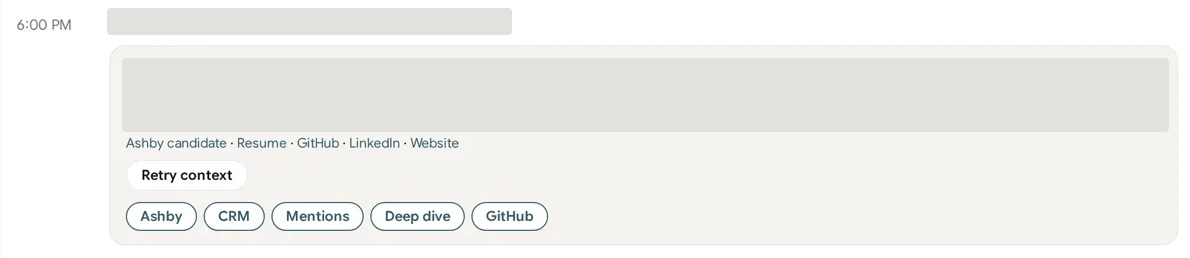
- Bring the records to the meeting. The application, public profile, and past context are one click away.
- Go deeper when needed. A brief on demand, beside the links I use every day.
I didn’t need to replace my calendar, CRM, or hiring software. I wanted the right pieces of each on the screen I open before a meeting. The combination is specific to my work, and I can change it when the next missing link becomes obvious.
Burn Monitor: ask my version of “what if?”
Our bank and card tools tell me what we spent. I also want to know what happens next: what if we hire three people? What if infrastructure costs grow with customers?
Burn Monitor brings the cash and spending together. I added controls for growing the whole burn rate, or just the AI and infrastructure part. Now I can change an assumption and see what it does to runway.
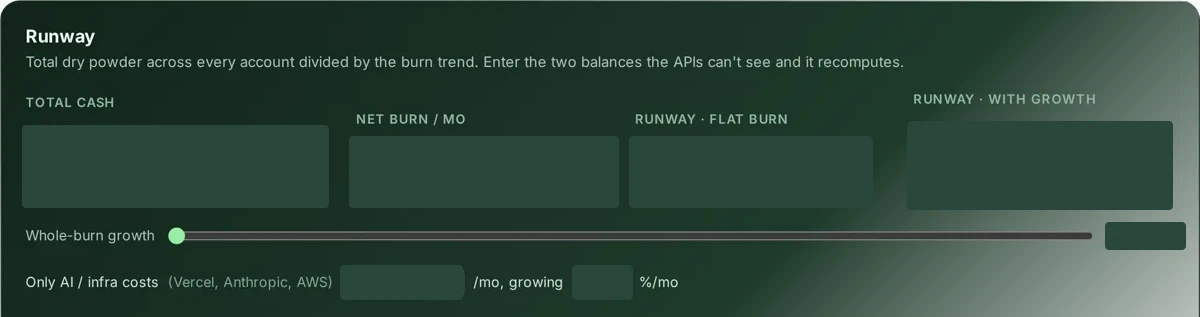
- Change the whole burn rate. Model growth in spending and see the effect on runway.
- Isolate infrastructure. Change AI and infrastructure costs separately from the rest.
Forecasting isn’t unique to my app. The useful part is that I can change the model around the question I’m actually asking. I don’t have to make my question fit the controls somebody else chose.
Growth OS: tell me when I’m avoiding the work
Growth OS holds our experiments, with a metric, a next action, and the last time anyone touched each one. I added a weekly brief that calls out what’s moving and what’s stuck.
One of those briefs opened with: “Everything’s stale at 77 days.”
It was right. I’d built a place to put ideas, then stopped acting on them.
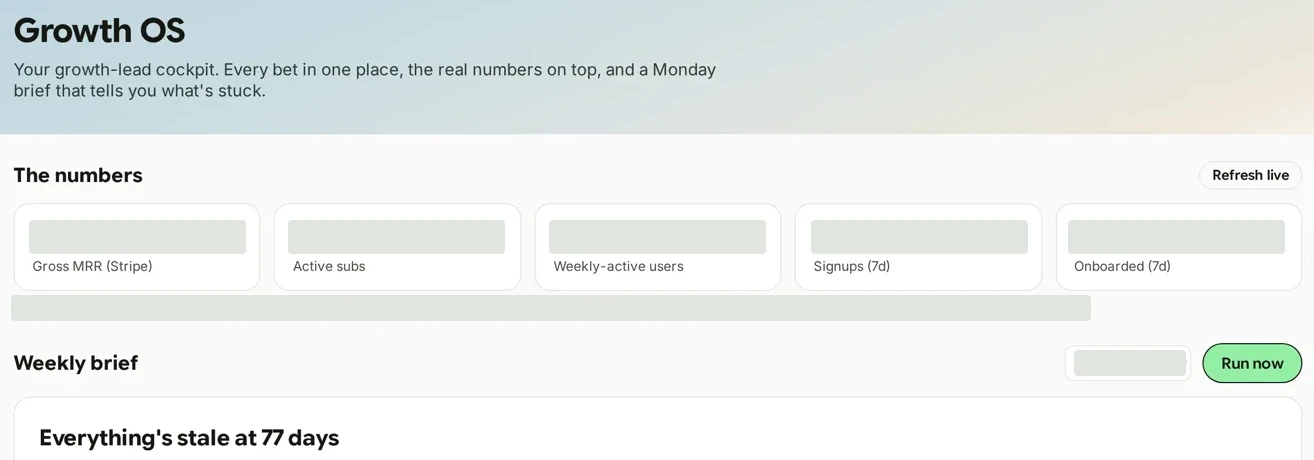
- Keep the results in view. Revenue, subscriptions, and usage sit above the weekly brief.
- Ask it to call out inaction. The brief names stale experiments so I can decide what happens next.
A board can hold an idea indefinitely. I wanted mine to notice. So I gave it a rule: name the stale bets, and tell me what needs a decision.
It still can’t make that decision for me. The fix is to cut the board to three bets and give everything else an owner or kill it. Building the app was easier than doing the work it exposed.
Start with the thing you keep doing by hand
These apps started with a missing button, a repeated search, or a question I couldn’t easily answer. I built a small version, used it, and changed the part that bothered me.
You don’t need twenty apps to try this. Start with tomorrow’s meetings. Connect the calendar, email, and meeting notes you want Sauna to use, then paste this:
Look at my calendar for tomorrow. For every meeting with someone outside
my company, find their LinkedIn, anything we've emailed about, and any
past meeting notes with them. Build me a Daily Prep app that shows all
of it, one card per person, and refresh it every morning at 6am.
Show me the first version before you add anything else.
Use it for a day. Then ask for the button you wish it had.