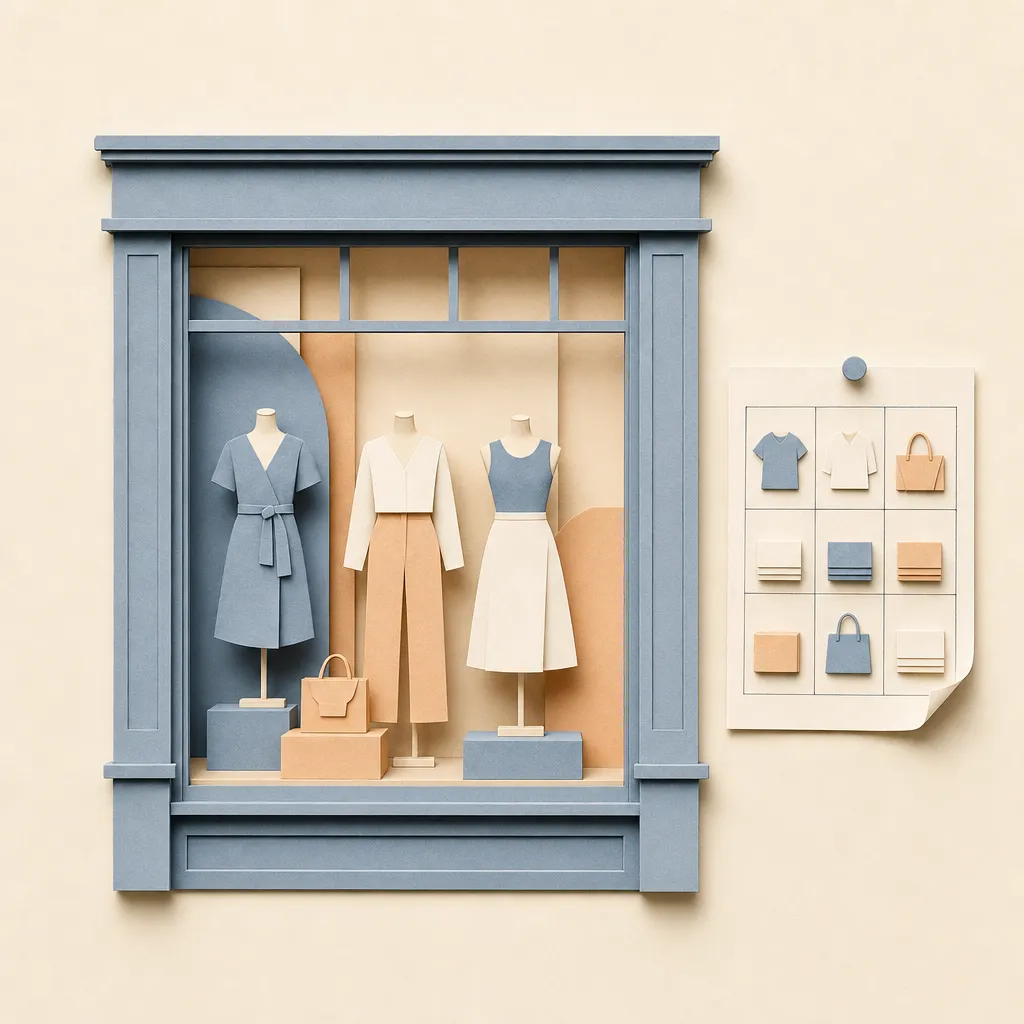
The AI agent for visual merchandisers
Sauna builds the planogram brief from sell-through, drafts the store-set guide with product placement, schedules the rollout across stores, and chases compliance photos from each location.
What it does
What Sauna does for visual merchandisers
- 01
Draft the set guide
Sauna turns the assortment and sell-through into a store-set guide in Google Docs — what goes on which fixture and why — for the field teams to execute.
- 02
Build the planogram brief
It reads SKU performance from Shopify and recommends placement priority by fixture, drafting the planogram brief with the high-velocity items front and center.
- 03
Schedule the rollout
Sauna lays the window and floor-set changeover into a Smartsheet timeline by store and posts the week's tasks to each location's Slack channel.
- 04
Chase compliance
It tracks which stores have submitted set photos, drafts the nudge to the ones that haven't, and compiles the compliance summary for the regional review.
Put Sauna to work on this.
Get started for freeIn context
Ask in chat. It does the work.
Sauna shows up where you already work — the web app, Slack, email, iMessage, and Superhuman. It reads what it needs, does the task, and comes back with the draft for your approval.
Try it
Ask in plain words
The literal prompt for this job. Open it in Sauna and it picks up from there.
“Read this month's sell-through from Shopify, draft the floor-set guide putting the top sellers on the front tables, and schedule the changeover across all 12 stores.”
Plugs into the tools you already run — and thousands more, or any MCP server.
Good to know
Questions, answered.
Does it know my fixture layout?
It works from the layout and store list you connect. It won't guess your floor plan — it plans against the fixtures you've given it.
Will it message stores without me?
No. Sauna drafts the rollout posts and compliance nudges; they send only after you approve, so the field hears one clear voice.
Is my data safe?
Sauna reads only what you connect, and acts only after you approve. Your workspace and its memory are yours, not training data.
Keep exploring
More ways teams use Sauna
Put Sauna to work for visual merchandisers.
Get started for free
